|
|

SPIPE FEATURES
|
 |
|
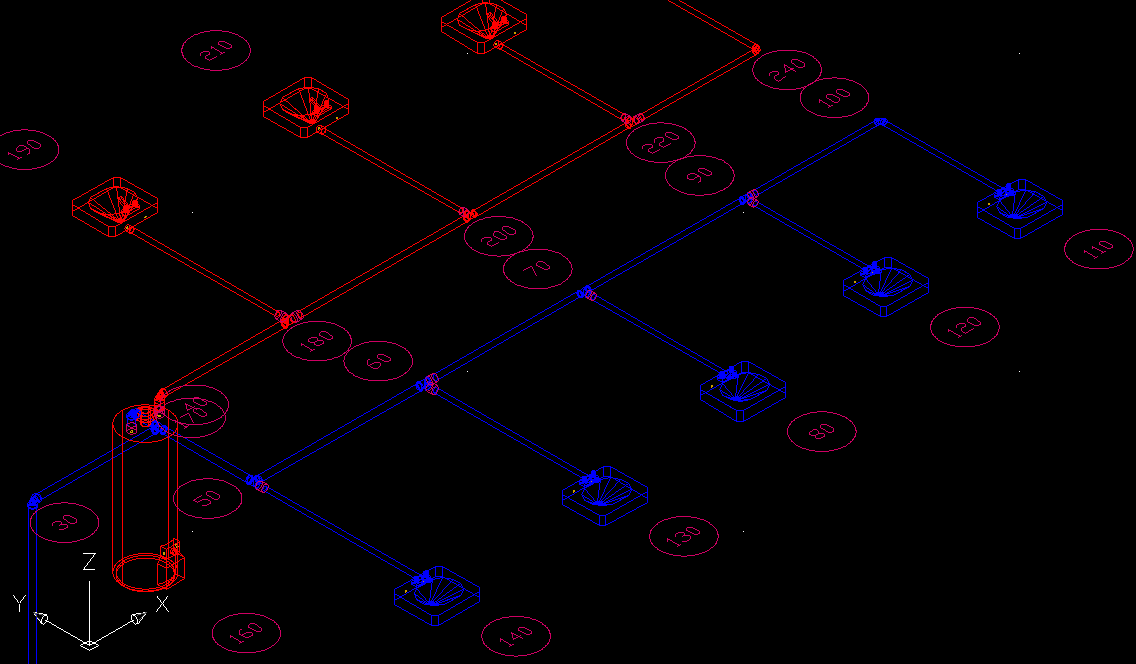
SPIPE is a program that computes optimal pipe sizes for hot and cold water domestic water supply systems in both residential and commercial buildings. SPIPE can handle systems with virtually unlimited numbers of pipes. Besides computing pipe sizes, SPIPE can also perform a system analysis complete with a bill of materials and labor estimate. Reports list the GPM water flow, velocity, and pressure losses through all pipe sections, the maximum system demand pressure, and the total water GPM demanded by the system. SPIPE is very easy to use as it contains built-in data concerning fitting equivalent lengths, pipe materials, internal pipe diameters and C-Values, fixture unit quantities and pressure requirements, equipment flow and pressure requirements, materials and labor costs, and demand GPM curves. Any or all of the built-in data can be revised to meet your particular needs. PROGRAM INPUTSPIPE is a true Windows program complete with toolbars and hyperlinked help. All data is checked at the time of entry so that no improper data can be entered. SPIPE requires two types of data: general project data and pipe section data. The general project data includes the project name, the name of the designer, the client, the date, and other such information. The pipe data requires that each pipe section must be defined as having a beginning and ending node along with the pipe type and length. Numerous pipe material types are built in including copper, cast iron, pvc, and even PEX. Additional pipe materials are easy to add. In addition, the type and quantity of fittings and fixtures that exist on each pipe section must be specified. There is also provision for equipment and other special items such as dishwashers, water heaters, and backwater flow preventers. Optional pipe input data includes provision for specifying a maximum allowed pressure drop and a maximum allowed velocity. These constraints along with an allowable pipe size range may be changed from pipe to pipe. Once all the pipe sections have been entered, the water distribution system is ready for calculation. CALCULATION METHODSPIPE uses two criteria for sizing pipes, maximum allowed water velocity and maximum allowed pressure drop per 100 ft. of pipe length. If physical space problems exist the user may also specify an limited range of sizes that SPIPE can select from when calculating a size. There is even provision for directly specifying pipe sizes such that no size computation is performed. When SPIPE is allowed to calculate sizes, it uses the Hazen-Williams equation to determine the pressure drop due to friction for a particular pipe size. Water velocity is calculated by first determining the expected gpm flow rate and then dividing by the pipe cross sectional area. Given no physical constraints, SPIPE always selects the smallest pipe size such that neither the allowable maximum water velocity or the allowable maximum pressure drop is exceeded. AUTODESK BUILDING SYSTEMS 2005 INTERFACEThe SPipe program can import a plumbing piping system drawn in a .dwg file saved with Autodesk Building Systems 2005. Importing the pipes for your system saves considerable manual input time. If the drawing has been saved with the Elite piping .dwt template file included in the SPipe installation, node number tags will be placed on the drawing as shown in the example ABS 2005 screenshot below. Also shown are the blue and red colors assigned automatically to the cold and hot pipes. After you run SPipe calculations, you can then export the results back to ABS 2005. You can right click a pipe, fitting or fixture in the drawing and view the calculated flow, pressure and other data in the Object Properties|Design tab listed under Engineering data. You can even resize pipes in the drawing based on the SPipe calcualations.
PROGRAM OUTPUTSPIPE provides both input and output reports. The input reports reflect all the data that was entered by the designer while the output reports list all values calculated by the program. The reports list pipe data including fittings and fixtures selected, general project information, system design requirements, and a bill of materials with labor costs. SPIPE allows you to specify exactly what reports you want and in what order you want them. Note that SPIPE provides many intermediate values such that the results are easy to check and verify by hand.
Download your free evaluation version of SPipe for Windows.
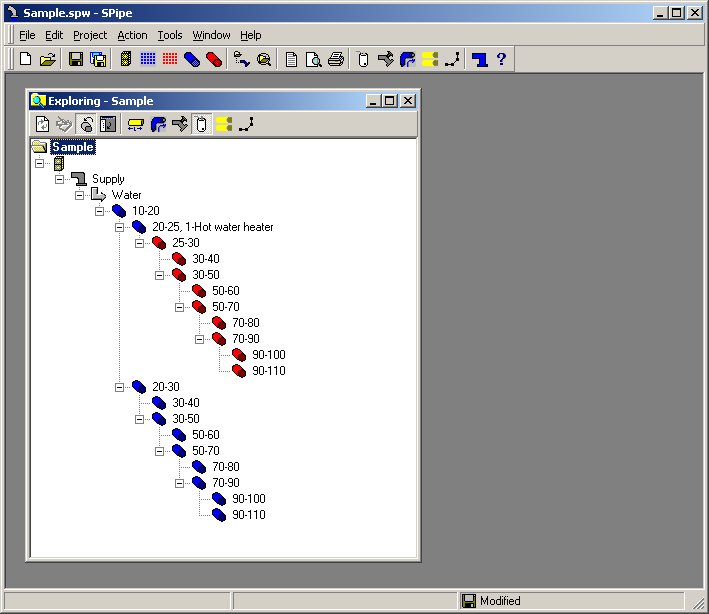
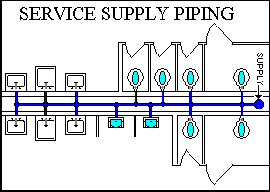
Displays Layout of Piping System
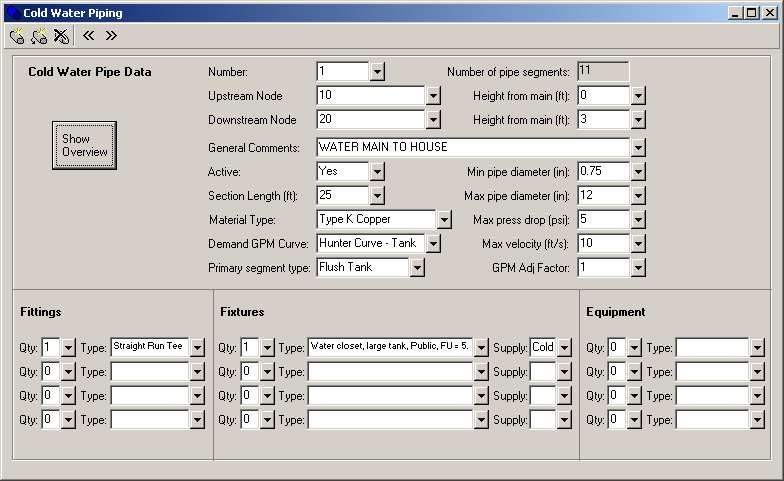
Easy Piping, Fixture and Equipment Inputs
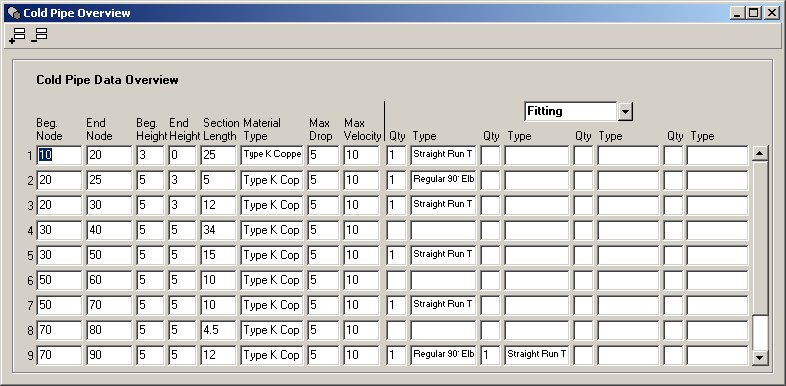
Shows Piping Data at A Glance
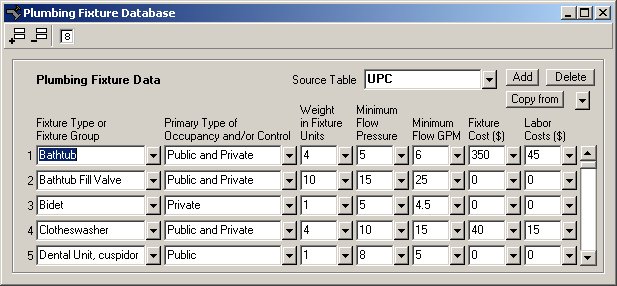
Includes Databases with Detailed Information of Plumbing Fittings, Fixtures and Equipment
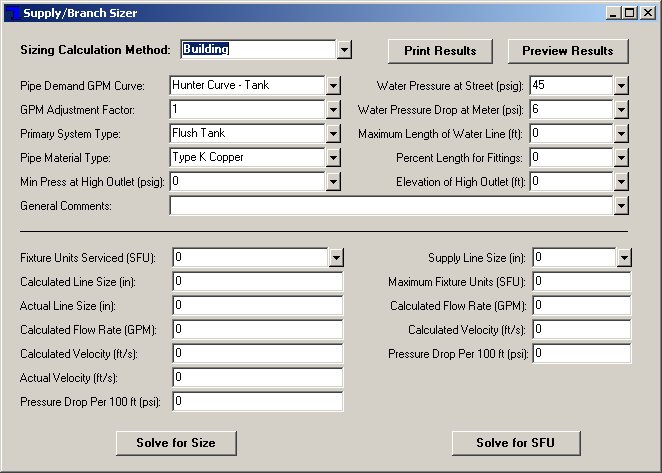
Includes a Single Branch Sizing Calculator
|